Free IP Blacklist Check
An IP blacklist check shows whether an IP address has a poor reputation or appears on blocklists. 1Lookup's free IP reputation check evaluates any IP against threat and reputation data and returns its risk level, connection type, and anonymiser signals, so you can decide whether to trust, challenge, or block the traffic behind it.
Example resultThis is a real lookup we captured on 2026-08-23 for 8.8.8.8. Run any lookup above and it is replaced with yours.
Reputation: Good
This free IP blacklist check provides reputation and threat-intelligence signals for informational purposes and is not a direct query of any specific real-time blocklist (RBL) such as Spamhaus, Barracuda, or SORBS, which maintain their own listings and delisting processes. Results are approximate and rate-limited; for full fraud scores, threat categories, and bulk lookups, create a free 1Lookup account or use the API.
Need this at scale? IP Lookup API
Reputation, threat feeds and risk scores for every connection you see.
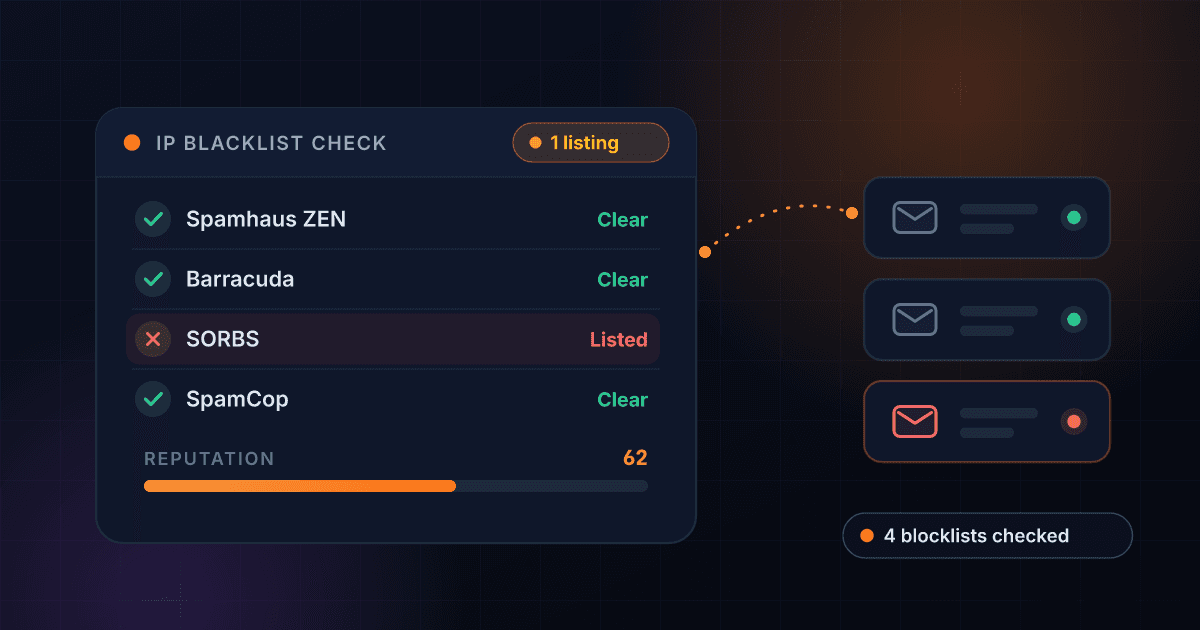
Check Any IP Address Against Threat Feeds and Spam Blocklists
If your email is bouncing or your server traffic is getting rejected, a blacklisted IP is a common culprit. This free IP blacklist check looks up any address against 1Lookup's threat intelligence and tells you its reputation, whether it appears on abuse and threat feeds, and whether it's flagged as a known spam source, so you can confirm a problem before it costs you deliverability or customer trust.
An IP reputation check is the fastest way to answer the question "is my IP blacklisted?" without manually querying dozens of separate lists. Just paste an IPv4 or IPv6 address, run the check, and read a clear good, fair, or poor rating alongside threat-feed and spam-source flags. If you've just provisioned a mail server on a new IP, it also tells you what reputation the previous tenant left behind before you send a single message.
This tool reports reputation and threat-intelligence signals; it is not a direct query of any single public RBL. Dedicated blocklists like Spamhaus, Barracuda, or SORBS each maintain their own listings and removal processes, which you should check separately when needed. Use this IP blocklist lookup for a fast, aggregated reputation read, then dig into specific RBLs and your full threat profile from there.
Building this into a risk score?
A blacklist hit is one signal among several. For the location, network and threat fields that sit beside it on a single lookup, and how to combine them, read our IP geolocation API guide.
How the IP Blacklist Check Works
Enter an IP address
Type or paste any public IPv4 or IPv6 address into the box, such as your mail server's outbound IP or a suspicious visitor address. There's no signup required to run a single check.
We query threat intelligence
1Lookup checks the IP against curated abuse and threat feeds and reputation data, then evaluates spam-source signals and aggregated abuse-report activity to build a clear picture of the address.
Read your reputation result
Get an instant reputation rating, a threat-feed listed yes/no, a spam-source flag, and an approximate abuse-report band, so you know whether to investigate further or request delisting.
The major blocklists and how to get delisted
Each list runs its own removal process, and only the list itself can remove you. Fix the underlying cause first: delisting a still-compromised host lasts days.
| Blocklist | Run by | Delisting |
|---|---|---|
| Spamhaus (SBL / XBL / PBL, queried as ZEN) | Spamhaus Project | check.spamhaus.org — look your IP up and follow its removal flow |
| Barracuda (b.barracudacentral.org) | Barracuda Networks | barracudacentral.org/rbl/removal-request |
| SpamCop (bl.spamcop.net) | Cisco | Self-expires roughly 24 hours after reports stop; no manual request needed |
| PSBL (psbl.surriel.com) | PSBL project | psbl.org — self-service removal by IP |
Clear reputation rating
Every IP gets a simple good, fair, or poor reputation score so you can judge risk at a glance, without interpreting raw feed data or cross-referencing multiple sources yourself.
Threat-feed listed status
Find out whether the address currently appears on abuse and threat-intelligence feeds. A listed result is an early warning that the IP may be blocked or filtered by other systems.
Spam source flag
See whether the IP is flagged as a known spam source, the single biggest factor behind email rejections, soft bounces, and inbox-to-spam-folder placement for senders.
Abuse-report level
Review an approximate band of how much abuse activity has been associated with the IP, helping you separate a one-off flag from a persistently problematic address.
Who uses this tool
Email deliverability troubleshooting
Senders seeing bounces or spam-folder placement can confirm whether their sending IP is flagged as a spam source or listed on threat feeds before contacting their ESP or mailbox providers.
Server and infrastructure audits
Sysadmins can vet a new or recycled server IP, or a recently assigned cloud address, to make sure it isn't carrying a poor reputation inherited from a previous tenant.
Security triage and incident response
Security teams can quickly assess inbound or outbound IPs from logs, firewalls, or alerts, prioritizing addresses with poor reputation and high abuse-report activity for deeper review.
Fraud and signup risk screening
Product and trust teams can check the IP behind a registration, transaction, or login to flag connections tied to known abuse before they create downstream chargebacks or fraud.
Frequently asked questions
How do I know if my IP is blacklisted?
Enter it above, or your mail server's IP, and the reputation verdict comes back free. The telltale symptoms that prompt the check: your emails suddenly bounce with SMTP errors mentioning Spamhaus or a blocklist, deliverability collapses to specific providers, or websites start showing you CAPTCHAs constantly. Any of those plus a listing here means the IP needs delisting, and the table below names each list's removal route.
Why is my IP blacklisted?
IPs usually get blacklisted because of spam or abuse traffic originating from them, a compromised or misconfigured mail server, an open relay or proxy, malware activity, or a poor reputation inherited from a previous owner of the address. Sudden volume spikes and unauthenticated email can also trigger listings on threat feeds and spam blocklists.
How do I check if my IP is blacklisted?
Enter your public IP into the tool above and run the check to see its reputation, threat-feed listed status, and spam-source flag in seconds. For a direct query of specific lists like Spamhaus or Barracuda, visit those services' own lookup pages, since they maintain separate listings and removal workflows from this reputation check.
How do I check IP reputation?
Paste the address into this IP reputation check to get a good, fair, or poor rating based on 1Lookup threat intelligence, plus signals for spam sourcing and abuse reports. A good rating suggests the IP is trusted, while fair or poor indicates risk factors worth investigating before relying on the address for email or services.
How do I remove my IP from a blacklist?
First fix the root cause: stop the spam or abuse, secure compromised systems, close open relays, and set up SPF, DKIM, and DMARC for mail. Then submit a delisting request on each blocklist that lists you, since every provider, such as Spamhaus or SORBS, runs its own removal process. Reputation generally improves as clean activity accumulates over time.
Does this tool query Spamhaus or other specific RBLs?
No. This check reports an aggregated reputation and threat-intelligence read rather than a direct lookup against any single real-time blocklist. Specific RBLs like Spamhaus, Barracuda, and SORBS maintain their own listings and delisting procedures, so check those services directly when you need a definitive answer for one particular list.
How does a blacklisted IP affect email deliverability?
When your sending IP is listed on a spam blocklist or flagged as a spam source, receiving mail servers may reject your messages outright, defer them, or route them to the spam folder. This hurts deliverability, sender reputation, and engagement, so checking and clearing IP listings is a key step in protecting your email program.
Can I check IPs in bulk or through an API?
Yes. This free tool is a demo of the 1Lookup API. Sign up for a 7-day free trial to unlock the full fraud score, malware history, botnet probability, and detailed threat categories, then use the API to screen IPs in bulk and integrate reputation checks directly into your mail, security, or fraud workflows.