Free TikTok Transcript Generator: Any Video Link to Text
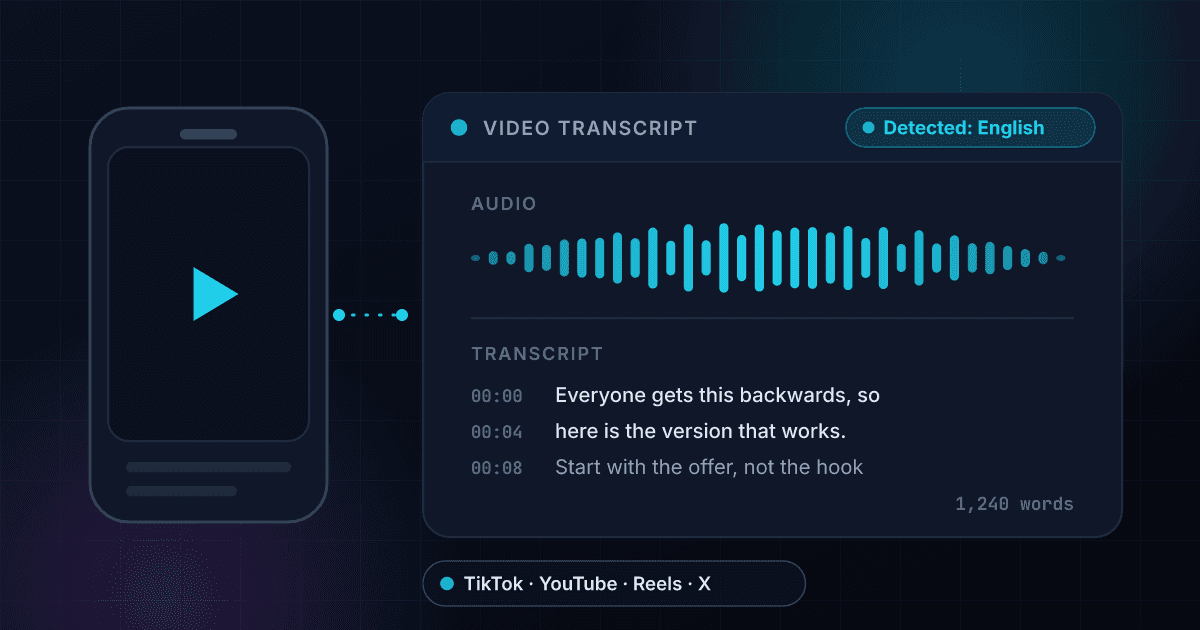
A TikTok transcript is the spoken audio of a video written out as text. Paste the video link into this free transcript generator and 1Lookup returns the total word count, the language it detected and the opening 40 words, with the full text on a free account. It works on TikTok, YouTube, Instagram, X, Facebook, LinkedIn and Reddit links.
Example resultThis is a real lookup we captured on 2026-08-23 for https://www.youtube.com/watch?v=dQw4w9WgXcQ. Run any lookup above and it is replaced with yours.
Transcript found: 291 words
[Music] We're no strangers to love. You know the rules and so do I. I feel commitments from what I'm thinking of. You wouldn't get this from any other guy. I just want to tell you how I'm feeling. Got…
Unlock the full transcript, word for word
The free result gives you the word count, the detected language and the first 40 words, enough to confirm the video actually has spoken words worth pulling. A free account opens the complete text on every lookup and adds bulk CSV, so you can drop in a list of video links and get all the words back in one file.
Transcripts are read from the video's own public page, exactly as the platform publishes them. If a video is gone, locked down, or was never public, there is no transcript to read and the result is empty. We do not run speech recognition on audio, so a video with nothing spoken in it, or one the platform holds no transcript for, returns nothing at all. Accuracy matches whatever the platform published, auto-caption mistakes included, so verify any quote against the video before you rely on it. 1Lookup is not affiliated with or endorsed by TikTok, YouTube, Instagram, X, Facebook, LinkedIn or Reddit. All product names and trademarks belong to their respective owners.
Need this at scale? Video Transcript API
Transcribe a whole content library through one endpoint, charged only when a transcript comes back.
Why you would want a video transcript at all
You watched something and you need the words. Maybe you want to quote a line exactly, translate it, pull a 90-second tutorial into a blog post, or just read it because you are somewhere you cannot turn the sound on. A TikTok transcript, or a transcript of any short video, turns 45 seconds of talking into text you can copy, search and edit. Paste the link, get the words. That is the whole job of this tool.
There are two ways to get text out of a video. One is speech recognition: software listens to the audio and writes down what it thinks it heard. The other, which is what happens here, is reading the transcript the platform already holds for that video. That has a practical consequence. The words are as good as what the platform produced, no better and no worse, and there is no second layer of AI guessing stacked on top of the first one.
The trade is honesty about the edge cases. A video with nothing spoken in it, music-only clips, silent edits, a wordless trend, has no transcript to read, so you get a plain not-found instead of invented text. That is also why the free result leads with the word count and the detected language: two fields that tell you at a glance whether a clip has 12 words or 900, and whether you are about to read English or Portuguese, before you commit to reading a single line.
Transcribing more than one video
The free tool handles a single link and shows the word count, the detected language and the opening words. For the full text of a batch of YouTube, TikTok, Instagram, X, Facebook, LinkedIn or Reddit videos, the same transcription runs on a schedule through the Video Transcript API.
How to get a transcript from a video link
Copy the video link
Open the video, tap share, copy link. Any single-video URL works: a TikTok video link, a YouTube watch or Shorts link, an Instagram reel or post, an X status, a Facebook or LinkedIn video post, a Reddit thread with a video in it. Paste the whole URL, https and all.
Read the count and the language first
The result opens with two facts about the audio: how many words were spoken and which language was detected. A talking-head clip of about 30 seconds usually lands near 70 to 90 words. If the count comes back tiny, the video is mostly visual and there was not much said.
Read the words, then reuse them
Free shows the opening 40 words, enough to confirm you have the right video and the right language. Sign in for the rest, then do the actual work: paste it into a doc, run it through a translator, cut it into quotes and captions, or edit the whole thing into a written post.
Word count and language before the text
Every result leads with how many words were spoken and which language they were in. That is the triage step: you learn whether a clip is worth reading, worth translating, or barely has any words in it, before you scroll.
Read, not guessed
We take the transcript the platform already holds for the video instead of running speech recognition over the audio ourselves. No model is inventing a plausible sentence where the sound got unclear. What you read is what the platform has.
No extension, no download
The other routes to a transcript are a browser extension, downloading the video file and running it through a speech model, or typing it out by hand. This is one box and a URL. Nothing gets installed and you never download the video.
A real no on silent videos
Music-only clips, silent edits and videos with nothing spoken come back as not found, rather than as an empty box or a made-up line. You are never left wondering whether the tool failed or the video simply had nobody talking in it.
Who uses this tool
Turn a video into a written post
A good 60-second explainer is already a first draft. Pull the spoken words out, tidy the filler, add a heading, and you have a blog post, a newsletter section or a LinkedIn post. You are editing instead of staring at a blank page.
Read a video with the sound off
Open-plan office, a quiet train, a meeting you are half in, or hearing loss. Text does not need headphones. It is also faster: most people read a minute of talking in about 15 seconds and skip the parts they do not need.
Quote somebody accurately
Reporters, researchers and compliance teams cannot paraphrase from memory and hope. With the spoken words in front of you the quote is exact, you can see the sentence either side of it for context, and you can file it next to the link.
Search and translate what was said
Find the one line you half-remember by searching the text instead of scrubbing the timeline. The detected language flags when a clip is in a language you do not read, so you know to drop the text into a translator.
Frequently asked questions
How do I get the transcript of a TikTok video?
Copy the link to the video (share, then copy link), paste it in the box above, and hit Get Transcript. You get the word count, the detected language and the opening 40 words free, and the rest of the text unlocks with a free account. Nothing to install, no browser extension, and you do not need a TikTok account of your own.
How do I get a transcript of a YouTube video?
The same way: paste the video URL. Standard watch links and Shorts links both work. YouTube itself shows a transcript panel on some videos if you dig into the menu under the description, but it is not there on every video and it staples a timestamp to every line. Pasting the link here gives you clean running text instead.
Can I download a YouTube transcript for free?
You can preview one here free, five videos a day, and read the full text on a free account. To get text out in volume, a free account adds CSV export: hand it a list of video links and you get a file back with the transcript, word count and language for each one, one row per video. That is the practical version of downloading transcripts in bulk.
Does this work on Instagram Reels?
Yes. Reels and public feed videos both work, as long as the link points at one specific post rather than a profile or a search page. App share sheets sometimes hand you a shortened link. If a short link comes back empty, open it in a browser, copy the full URL out of the address bar, and paste that instead.
Why did my video come back with no transcript?
Four usual reasons. There is nothing spoken in it: music only, ambient noise, a silent edit. The platform holds no transcript for that particular video. The post is private, deleted or restricted, so there is nothing there to read. Or the link points at a profile, playlist or search result rather than one video. We return not found instead of guessing at text that does not exist.
Is this AI speech-to-text? How accurate is the transcript?
It is not speech-to-text. We read the transcript the platform holds for that video, so accuracy mirrors whatever the platform produced. Auto-generated captions are usually solid on clear speech and get names, brand words, technical jargon and strong accents wrong. Check any quote back against the audio before you publish it.
Does the transcript include timestamps or speaker names?
No. You get running text of the spoken words plus the total word count and the detected language. There are no per-line timings, no speaker labels and no SRT or VTT caption file. If you need subtitles with timing baked in, this is the wrong tool. If you need the words themselves, it is the right one.
How many transcripts can I pull for free?
Five videos a day here, and fifteen a day if you spread it across the other free tools. The limit follows your IP address, and there is a few-second wait between requests. Every free result carries the word count, the language and the opening 40 words. A free account removes the 40-word cut and comes with 1,000 lookups across a seven-day trial.
Can I get a transcript of a video in another language?
Yes, when the platform holds a transcript for it. The words come back in the language they were spoken, and we tell you which language was detected so you know what you are looking at before you paste it anywhere. We return the text as it is, we do not translate it for you.
Related video to text searches
More free tools
Username Checker
See whether a username is already taken on ten networks.
Instagram Profile Viewer
Followers, following, posts and verified status for any public account.
TikTok Profile Viewer
Followers, following, videos and verified status for any public TikTok account.
X Profile Viewer
Followers, following, post count and the blue checkmark for any public X (Twitter) account.