Social Media Post API: paste a link, get the numbers
Paste a post URL from any of 10 platforms and get back whether the post is live, its caption, author, and real like, comment, share and view counts, fetched live from the public post. 5 credits, only charged on a match.
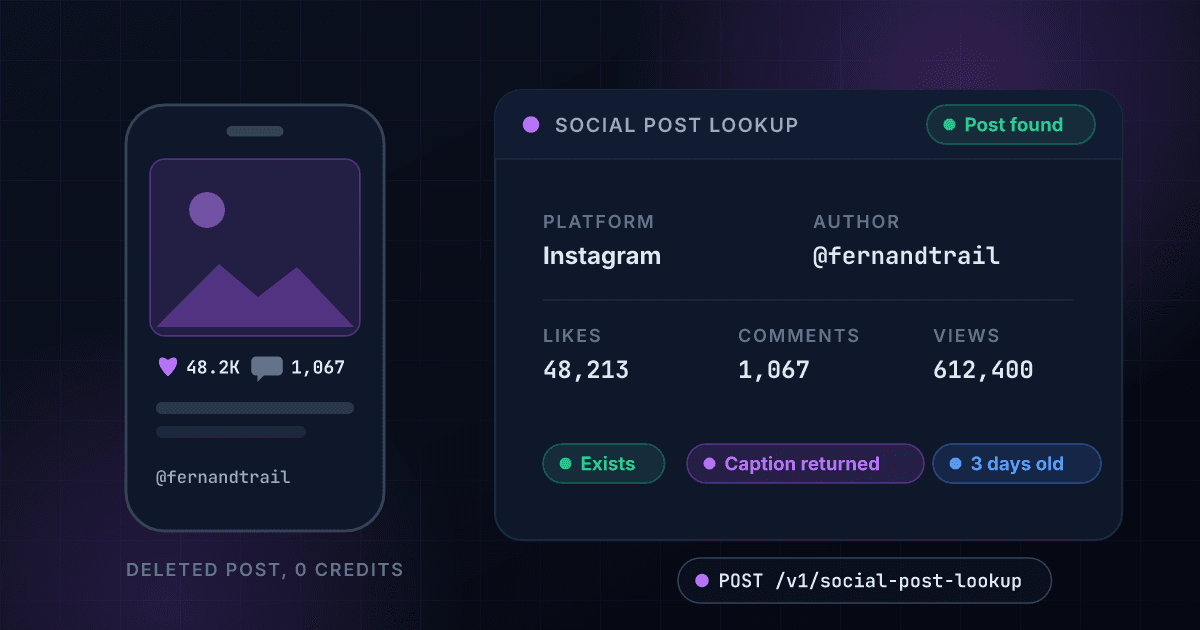
5
Credits per match
~$0.018-0.025 per post
0
Credits on a miss
deleted post, no charge
10
Platforms, one endpoint
inferred from the URL
Seconds
First live fetch
instant repeats for 7 days
What Social Post Lookup gives you
One link in, real engagement out
Like, comment, share and view counts pulled live from the public post at lookup time, not from a database crawled last month. First lookups take a few seconds; repeats of the same URL within 7 days return instantly from cache.
- Likes and comments
- Shares and views
- Fetched live, in seconds
- Instant repeats for 7 days
Proof the post exists
The exists flag, the author's handle and display name, and the posted_at timestamp answer the three audit questions in one call: is it still live, did the right account post it, and did it go up when it was supposed to.
- Exists yes/no
- Author handle and name
- ISO posted_at timestamp
- Caption text for disclosure checks
10 platforms, one endpoint
Instagram, TikTok, YouTube, X (Twitter), Facebook, Threads, Bluesky, Truth Social, Pinterest and LinkedIn. The platform is inferred from the URL hostname, so the request is just the link, and every platform returns the same response shape.
- Just send the URL
- Platform read from the hostname
- One response shape for all 10
- Nulls where a platform hides a metric
Only charged on a match
If the URL does not resolve to a post, deleted, private, or never real, you pay nothing. In campaign audits the deleted post is often the finding, and catching it is free.
- Zero credits on no match
- Applies to bulk jobs too
- Deleted posts still answer the question
- Predictable cost on messy link lists
About two cents per post
5 credits per matched post works out to roughly $0.025 on the Starter plan and $0.018 on Growth. A 200-post campaign report costs about $3.50 to $5; a 1,000-post monitoring run costs about $18 to $25, and only the posts that resolve bill at all.
- 5 credits per match
- ~$0.018 per post on Growth
- ~$0.025 per post on Starter
- Misses are free
Bulk from a CSV
Upload a CSV with a single url column and every row runs through the same lookup at the same per-row price. Dead links bill zero, so a stale export only costs you for the posts that still exist.
- One url column, that's it
- Same 5 credits per matched row
- Misses free in bulk too
- Same fields as the API
Link in, numbers out
Send the post URL
POST the link exactly as it was shared with you. The platform is inferred from the hostname, so one request shape covers all 10 platforms.
$ POST /v1/social-post-lookup
"url": "https://www.instagram.com/p/Cx7Qw2ArLm9/"
> platform inferred from the hostname
We fetch the post live
First lookups fetch the public post live, typically a few seconds, up to a few minutes when a platform is slow. Repeats of the same URL within 7 days return instantly from cache.
Platform inferred: instagram
Live public post fetched
Likes, comments, views counted
Reading caption and timestamp
Read the numbers
Engagement counts, caption, author and the posted_at timestamp land in one JSON payload. A live post bills 5 credits; a URL that resolves to nothing bills zero.
existstrue
likes12,483
views209,150
One endpoint. A post URL from any of 10 platforms in, structured data out.
Same authentication, same credit balance, and the same response envelope as every other 1Lookup product. If you have already integrated one endpoint, this one is a URL change.
curl -X POST https://app.1lookup.io/api/v1/social-post-lookup \
  -H "Authorization: Bearer $API_KEY" \
  -H "Content-Type: application/json" \
  -d '{
        "url": "https://www.instagram.com/p/Cx7Qw2ArLm9/"
}'{
"classification": {
"matched": true,
"exists": true,
"platform": "instagram",
"author_handle": "maya.runs.far",
"likes": 12483,
"views": 209150
},
"insights": {
"social_post_lookup_result": {
"platform": "instagram",
"url": "https://www.instagram.com/p/Cx7Qw2ArLm9/",
"exists": true,
"caption": "Fueled by @trailfuel.snacks on today's 20 miler #ad",
"author_handle": "maya.runs.far",
"author_name": "Maya | Marathon Training",
"likes": 12483,
"comments": 341,
"shares": null,
"views": 209150,
"posted_at": "2026-08-05T14:22:09Z"
}
},
"metadata": { "credits_used": 5, "cache_hit": false }
}The post either has the numbers or it does not
Campaign wrap-up: the creator says the sponsored post ran and did big numbers. One lookup settles it. The post is live, went up August 5 inside the flight window, the caption carries the #ad tag, and it has 12,483 real likes and 209,150 views. A deleted post would have returned no match and billed zero credits.
- PlatformInstagram
- URLinstagram.com/p/Cx7Qw2ArLm9
- Existstrue
- Author@maya.runs.far
- Posted2026-08-05 14:22 UTC
- Likes12,483
- Comments341
- Sharesnull (not public on Instagram)
- Views209,150
- Caption has #adyes
{
  "classification": {
    "matched": true,
    "exists": true,
    "platform": "instagram",
    "author_handle": "maya.runs.far",
    "likes": 12483,
    "views": 209150
  },
  "insights": {
    "social_post_lookup_result": {
      "caption": "Fueled by @trailfuel.snacks on today's 20 miler #ad",
      "author_name": "Maya | Marathon Training",
      "shares": null,
      "posted_at": "2026-08-05T14:22:09Z"
    }
  },
  "metadata": { "credits_used": 5 }
}
Every field you get back
No hidden tiers. Every field below is returned on a successful lookup at the price shown above.
Post
- platform
- url
- exists
- posted_at
Author
- author_handle
- author_name
Engagement
- likes
- comments
- shares
- views
Content
- caption
Who uses Social Post Lookup
Agencies verifying sponsored posts ran
Before the invoice clears, look up the link the creator submitted. You see the post is live, posted inside the campaign window, carrying the required #ad disclosure in the caption, with real engagement to hold against the rate card. A post deleted after the screenshot was taken returns no match and costs nothing to catch.
Marketing teams building reports
Month-end reporting means collecting numbers from 10 platforms with 10 logins. Instead, paste the post URLs, in bulk from a CSV if there are hundreds, and get one consistent set of like, comment, share and view counts to drop straight into the spreadsheet.
Brand and PR teams checking viral claims
Someone says a post about your brand blew up. Look it up before repeating the claim to a client or an exec: the real counts either back the story or they do not, and either answer takes one call instead of an argument.
Social listening and UGC platforms
Your product needs live engagement data across platforms, but building and maintaining 10 scrapers is a full-time job that breaks monthly. Feed post URLs to one endpoint, get one response shape back, and let us absorb the platform changes. UGC rights teams use the same call to confirm a post is still live before licensing it.
Frequently asked questions
What does Social Post Lookup return?
Give it the URL of a public post and it returns whether the post is live, the caption text, the author's handle and display name, like, comment, share and view counts, and the exact time it was posted. One call turns a pasted link into the numbers a report or a payout decision needs, on any of 10 platforms.
Which platforms are supported?
Ten: Instagram, TikTok, YouTube, X (Twitter), Facebook, Threads, Bluesky, Truth Social, Pinterest and LinkedIn. You do not tell us which one; the platform is read from the URL's hostname. Every platform returns the same response shape, so one integration covers all ten. Fields a platform does not expose publicly come back null, for example some platforms hide share counts.
Am I charged when the post is deleted or the URL is bad?
No. Social Post Lookup is success-billed: if the URL does not resolve to a post, because it was deleted, made private, or never existed, zero credits are deducted. That matters when you audit influencer campaigns, where a post quietly deleted a week after the payout is exactly what you are trying to catch, and finding it costs nothing.
How long does a lookup take?
A first lookup fetches the post live from the platform, so expect a few seconds, and up to a few minutes when a platform responds slowly. It is not sub-second like our phone and email products. Repeat lookups of the same URL within 7 days are served from cache and return instantly, which makes re-running a report fast.
What does it cost in dollars?
5 credits per matched post: about $0.025 on the Starter plan and $0.018 on Growth. Pulling engagement for a 200-post campaign report costs about $3.50 to $5, and any URLs that no longer resolve cost nothing. Credits come from the same balance as every other 1Lookup product, so there is no separate subscription to manage.
Why are some fields null?
Not every platform makes every metric public. Share counts are hidden on some platforms, and view counts are not exposed for every post type. When a platform does not expose a metric, the field comes back null rather than a guessed number. The response shape stays identical across all ten platforms, so your parsing code never changes; you just handle null.
Can I look up posts in bulk?
Yes. Upload a CSV with a single url column and every row is looked up at the same 5-credits-per-match price; there is no separate bulk tier. Rows that do not resolve to a live post cost nothing, so a messy export full of dead links only bills for the posts that still exist. Each row comes back with the same fields as the single API call.
How do I verify a sponsored post actually ran?
Take the link the creator sent when they claimed the deliverable and look it up. You get proof the post is live, the posted_at timestamp to check it went up inside the campaign window, the caption to confirm the required tag or #ad disclosure is there, and the real engagement counts to compare against what was promised. A deleted post returns no match and costs zero credits.