See where an IP address is, who runs the network and whether it is hiding behind a VPN or proxy
One IP in, one answer out: city, country, ISP, network owner, VPN and proxy signals, Tor and datacenter flags, and a 0 to 100 fraud score with the factors behind it, on every lookup. 1 credit, about $4.95 per 1,000 on Starter, one address at a time, over the API or from a CSV.
1 credit
Per Lookup
3
Spam Blocklists Checked
CSV
Bulk Upload
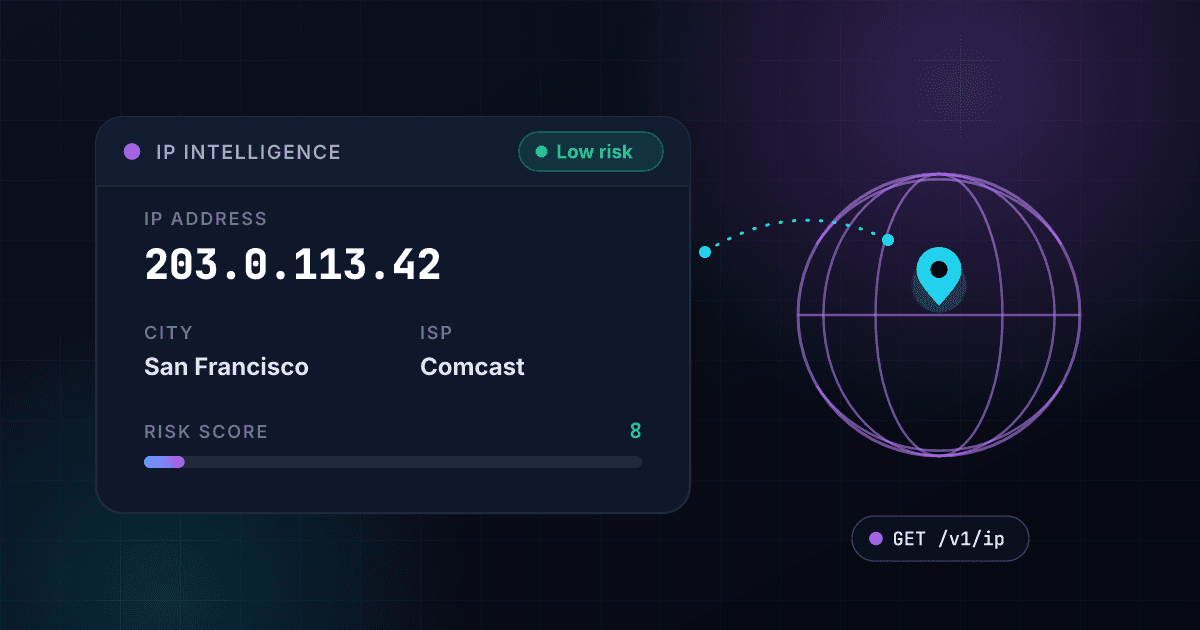
One lookup returns the location, the network and a blocklist check for any IP address.
Use it to screen signups and logins, flag proxy traffic and localize your pages.
Every lookup checks the address against three public spam blocklists.
You see how many lists were asked and how many carry the address. A listed address raises the fraud score and shows up in the risk factors.
Location and network details come back for any IPv4 or IPv6 address.
Get the city, region, country, postal code, time zone and coordinates behind an address, with the ISP, organization and ASN that run it.
VPN, proxy and Tor addresses are flagged on every lookup.
Each lookup flags proxy addresses, Tor exit nodes and networks that belong to a VPN service, so you can treat them differently from home connections.
The connection type tells you what kind of network the address sits on.
Each address is classed as a datacenter, mobile network, CDN, public DNS or proxy, and cloud addresses name the cloud provider and region.
Every lookup returns a fraud score, a risk level and the reasons behind them.
The score runs from 0 to 100 and comes with a risk level, the risk factors that raised it and a suggested action: approve, verify, review or block.
One IP per call, or a whole list by CSV, on the same key as phone and email checks.
One IP per API call, or a whole list by CSV upload, on the same key and credits as phone and email checks. Each API key can send 200 requests per 10 seconds, and each account can make up to 1,000 requests a minute in total across all its keys.
You get location, proxy flags and a blocklist check from one key.
The same API key and credits cover IP, phone and email checks.
Location and risk come back in one call.
One request returns the location, the ISP, proxy, hosting and mobile flags, a spam blocklist check and a fraud score
One credit buys one lookup.
Every IP lookup costs 1 credit, on the same key as phone and email checks
VPN, proxy, datacenter and Tor flags come on every lookup.
Treat anonymizing and hosting traffic differently from home connections
Public IPv4 addresses are checked against three spam blocklists.
The result says how many lists answered and how many carry the address
Teams use an IP lookup to screen signups, route visitors and flag risky traffic.
Six ways to use the location, the proxy flags and the blocklist check.
Flag risky checkouts by their IP address.
Check the IP behind an order for proxy, VPN, Tor, datacenter and spam blocklist signals, and send a suspicious one to review before you ship.
Show visitors the right language and offers for their location.
Read the country, region, city and time zone behind a visitor's IP address and tailor language, pricing and promotions to them.
Route or limit access by the visitor's country.
Use the country and region of an IP address to route visitors, hold back markets you do not serve or show region-specific terms.
Filter datacenter and proxy traffic out of your clicks and leads.
Datacenter, proxy and Tor addresses are where bots and scripts often come from. Flag them before you count a click or a lead.
Spot logins that arrive through a VPN, a proxy or Tor.
Flag logins from VPN, proxy and Tor addresses and apply your own location-based access rules to them.
Compare a customer's IP location with the details they gave you.
Check that a signup or application comes from where the customer says they are, and flag connections through proxies or hosting providers for a second look.
VPN use and bot traffic make an IP check a routine safeguard for any signup form.
Here is the scale, and what one lookup tells you about an address.
VPN use and bot traffic are both common.
Market research shows over 1.6 billion people use VPN services globally, while Imperva reports 32% of web traffic consists of bad bots requiring detection.
One lookup returns what you need to judge an address.
A 1Lookup IP lookup returns the location, the network, the VPN, proxy, datacenter and Tor flags and the spam blocklist check for 1 credit, one address at a time, by CSV upload or over the API.
IP Intelligence Business Value
$172B
Ad Fraud Losses Projected for 2028
30%
Mobile Ad Spend Lost to Fraud
1 credit
Per IP, One at a Time or by CSV
The same Juniper Research study found 30% of mobile ad spend was lost to fraud in 2023 and projects losses of $172 billion a year by 2028. A 1Lookup IP lookup returns the location, the network and VPN, proxy and datacenter flags for 1 credit, one address at a time, by CSV upload or over the API.
Pick your industry to see how it uses IP checks.
Four industries, four ways to use the same lookup.
One API call returns the location, the proxy flags and the blocklist check.
Send an IP address and read back a fraud score, a risk level, the location and the blocklist result.
// IP lookup
const response = await fetch('https://app.1lookup.io/api/v1/ip', {
  method: 'POST',
  headers: {
    'Authorization': 'Bearer YOUR_API_KEY',
    'Content-Type': 'application/json'
  },
  body: JSON.stringify({
    ip: '104.227.91.244'
  })
})

// Response
{
  "success": true,
  "data": {
    "risk_assessment": {
      "risk_level": "MEDIUM",
      "fraud_score": 40
    },
    "classification": {
      "connection_type": "DATACENTER"
    },
    "insights": {
      "location": {
        "city": "Miami",
        "country": "United States"
      },
      "security": {
        "blocklists": {
          "status": "checked",
          "checked": 3,
          "total": 3,
          "listed": 0
        }
      }
    }
  }
}Frequently Asked Questions
Common questions about IP lookups
Technical Specifications
Tor Exit Nodes
Flagged
Risk Flags
VPN, proxy, datacenter
Bulk Checks
CSV upload
Spam Blocklists
3 public lists
Check your first IP address today.
See where it sits, whether it is a VPN, proxy or datacenter address, and whether the public spam blocklists carry it.
Free trial credits • Setup in 5 minutes • Premium support