Free Facebook Profile Viewer
A Facebook profile viewer shows a public Page's numbers without logging in to Facebook, which hides most of a Page from visitors who are not signed in. Enter the username from a Page or profile address (facebook.com/nasa) and 1Lookup's free viewer returns the display name, follower count and website link. It reads public Pages and public profiles with a username only, and shows nothing from private profiles.
- No Facebook account needed
- Public Pages and profiles only
- Free to try, no sign-up
Free & rate-limited. No signup required to try.
Example resultThis is a real lookup we captured on 2026-09-17 for nike. Run any lookup above and it is replaced with yours.
Nike
@nike
nike.com
- 39,000,000
- Followers
Facebook publishes large follower counts rounded (28M, not the exact figure), so a big number here carries Facebook's rounding and the exact count is somewhere near it.
See the same name on nine other networks
The free result gives you the Page as Facebook publishes it to visitors: display name, description where the Page has one, follower count and website. A free account adds the same name checked on nine other networks, plus CSV upload, so you can check a whole list of Pages in one go instead of one username at a time.
Need this at scale? Social Profile Check API
Check a whole list of Facebook Pages, and the same names on nine other networks, in one bulk job charged only for the ones that exist.
How to see a Facebook Page or profile without an account
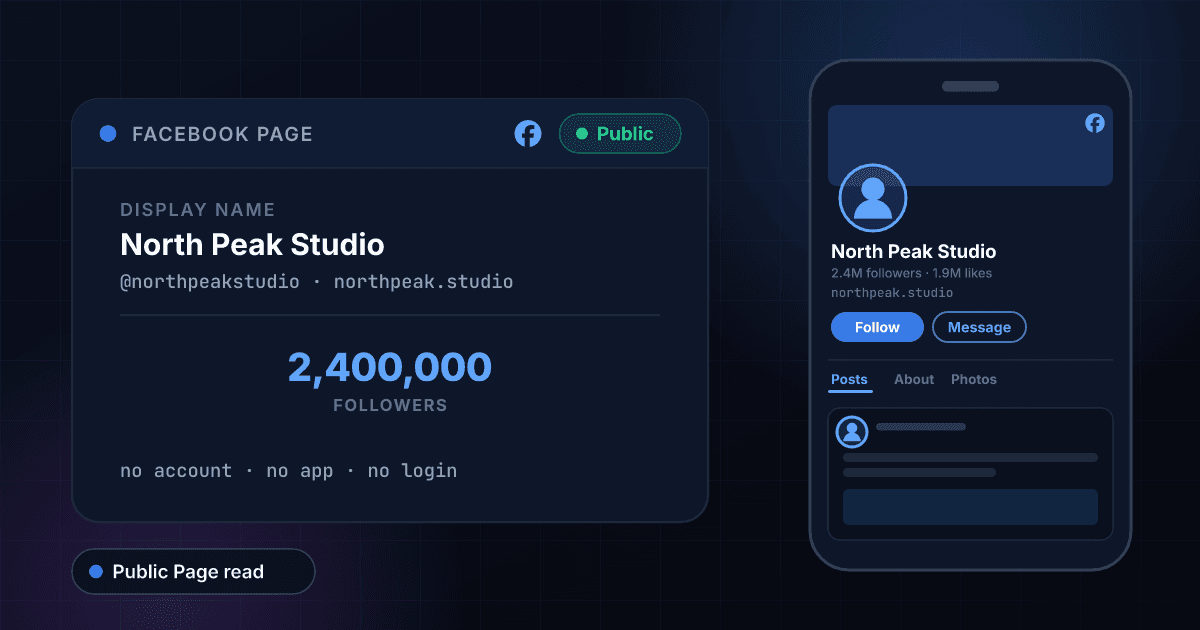
Facebook shows very little to a visitor who is not signed in. Open a Page link without an account and you get a login prompt over the top of it, a few posts if you dismiss it, and often no follower count at all. Most people who look for a Facebook profile viewer want one thing: the size of a Page or a public profile, without creating or logging in to a Facebook account to get it. Type the username from the address into the box above and you get the display name, the follower count and the website the Page links to.
The username is the part after facebook.com/ in a Page's address. Every Page and every public profile in professional mode can set one, and it is the only thing about a Page that is unique; the display name is not, which is why searching Facebook for a big brand turns up a dozen Pages with the same name. When we looked up nasa on 17 September 2026, the lookup returned NASA's Page with 28,000,000 followers and its website, and a copy would have returned a few hundred followers and no website at all.
Facebook publishes large follower counts rounded, so 28,000,000 is Facebook's 28M written out in full and the exact figure is somewhere near it. Smaller Pages usually come back exact. Facebook also stopped putting much weight on Page likes some years ago: the number it shows on a Page now is followers, which counts everyone who chose to see its posts, and that is the number this tool returns.
What this tool will not do: it does not show posts, photos, friends lists, or anything from a personal profile that has not made its follower count public. A personal profile without a username, or with followers turned off, returns nothing rather than a guess, and nothing outside Facebook changes what a profile's owner chose to keep private. Be wary of any site that claims to show private profiles, and especially of one that asks for your Facebook password.
Starting from an email address instead?
If you have an email address for the person rather than a Facebook username, you can see who the address belongs to with our free reverse email lookup.
How to check a Facebook Page in three steps
Copy the username
Open the Page or profile and copy the part after facebook.com/ in the address, as in facebook.com/nasa. Type it with or without an @, or paste the whole link and we pull the username out of it. Share links (facebook.com/share/...) hide the username, so open one first and copy the address it lands on. A profile whose address is facebook.com/profile.php?id=... has no username and cannot be looked up here.
We read the public Page
The lookup fetches what Facebook publishes about the Page to a visitor who is not signed in, and reads the follower count and the website off it. Nothing is estimated, and no Facebook account of yours is involved at any point, which is why there is nothing to log in to.
Read the result
The follower count shows the Page's size, and the website shows where it sends people, which is the quickest way to tell an official Page from a copy. Create a free account when you also want a whole list of Pages checked at once.
What this viewer shows, next to Facebook signed in
What you can read here without a Facebook account, set against what Facebook shows a signed-in user. The left column is what our lookup returned for public Pages on 17 September 2026.
| What you want to see | This viewer | Facebook, signed in |
|---|---|---|
| Follower count | Yes | Yes, on the Page |
| Display name | Yes | Yes |
| Website link | Yes | Yes, on the About tab |
| Page description | Yes, when the Page publishes one | Yes, on the About tab |
| Posts and photos | No | Yes, for a public Page |
| Page likes | No | Yes, on some Pages |
| Who follows the Page | No | No |
| Personal profiles without a public follower count | Not found | Depends on the owner's privacy settings |
| Needs a Facebook account | No | Yes, for most of a Page |
Followers, likes and friends on Facebook
Facebook publishes three different counts, and only one of them is what this tool returns.
| Count | What it means | Reported here |
|---|---|---|
| Followers | Everyone who chose to see the Page's or profile's posts in their feed | Yes |
| Likes | People who liked the Page itself; a Page can be followed without being liked, and Facebook shows this on fewer Pages than it used to | No |
| Friends | Mutual connections on a personal profile; private by default and never a public count | No |
Facebook username rules
Why a lookup can miss: the rules Facebook's Help Center sets for custom usernames, which are what this tool searches on.
| Rule | What Facebook allows |
|---|---|
| Length | 5 to 50 characters |
| Characters | Letters, numbers and periods, with at least one letter |
| Not allowed | A period at the start or end, spaces, and generic words such as facebook |
| Case | Not significant: NASA and nasa are the same Page |
| Display name | Not unique, and not what this tool searches |
No Facebook account, no login prompt
Facebook puts a login prompt over almost everything a visitor without an account opens. This viewer never signs in to Facebook, so there is nothing to dismiss, no account to create and no app to install.
The follower count Facebook hides from visitors
Open a Page without an account and the follower count is often missing. The result gives it to you, with the display name and the website the Page links to, from the Page's own public record.
A website link that spots the copies
Search Facebook for a well-known brand and a dozen Pages share its name and logo. The real one links to the real website and has followers in the millions; the copies usually have neither, and one lookup shows you which is which.
Private profiles stay private
A personal profile with no username or with followers switched off returns nothing. You learn that there is no public record to read, which is often the answer you needed, and nothing is pried open.
Who uses this tool
Reading a Page link without an account
A business, a school or a local group posts everything on Facebook and you do not have an account. Paste the Page link here and read its size and website without creating one.
Confirming a Page is the official one
Someone sends you a Page and says it is the official brand page. Check the follower count and the website against what you would expect. A copy with 800 followers and no website announces itself in one lookup.
Sizing up a creator before a paid post
Facebook creators in professional mode publish a follower count, and a media kit is a screenshot that ages. Check the live number before you agree a fee.
Screening Facebook Pages in applications
Marketplace programs, affiliate schemes and press lists ask applicants for a Facebook Page. One lookup shows whether it exists, how big it is and where it links, before anyone approves the application.
Frequently asked questions
Can I see the Page's description and profile picture?
The description comes back with the follower count when the Page publishes one; many Pages leave it empty. The profile picture is shown when the lookup returns one, which it does not for every Page; when it does, it is loaded from Facebook's own servers and opens full size in a new tab.
Can I view a Facebook profile without an account?
You can view a public Page, or a public profile that has a username and shows its follower count, without an account. Enter the username here and you get the display name, follower count and website. You do not need a Facebook account, the Facebook app or a 1Lookup account to run a lookup.
Can I find a Facebook profile by name?
Not by name alone. Enter the Page's or profile's username, the part after facebook.com/, or paste the whole link. Names are not unique on Facebook, so finding someone from a name needs Facebook's own search, which asks you to log in.
Can I see a private Facebook profile with this?
No, and nothing legitimate can. A personal profile's posts, photos and friends list are visible only to the people its owner allows, and if the profile has no public follower count there is nothing for this tool to read. It returns not found rather than a guess.
Does this work for personal profiles or only Pages?
It works for Pages and for personal profiles that have a username and a public follower count, which is typical of creators and public figures in professional mode. An ordinary personal profile, especially one whose address is facebook.com/profile.php?id=..., has no username and returns nothing.
Will the Page owner know I looked?
No. Facebook does not tell a Page who viewed it, and this viewer never signs in to Facebook as you, so there is no view of yours for Facebook to record in the first place. Nothing is sent to the Page and no like, follow or notification is created.
Why is the follower count a round number?
Because Facebook publishes large counts rounded. A Page shown as 28M followers comes back as 28,000,000, and the real count is somewhere near that figure. Smaller Pages usually come back exact.
Why doesn't it show likes or friends?
Facebook shows Page likes on fewer Pages than it once did and treats followers as the main public number, so followers is what this tool returns. Friend counts belong to personal profiles and are private by default, so they are never read.
Does it show whether a Page is verified?
Not yet. The lookup behind this tool does not return the Meta Verified badge for Facebook, and we would rather leave the row off than guess. Open the Page on Facebook to see the badge.
Why did my lookup return nothing?
Usually the username is wrong or the profile has none. The display name is not the username: copy the part after facebook.com/ from the address bar instead. Pages can change their username, so an old one can stop working. If the Page was unpublished or deleted, there is no public record left to read.
How fresh are the numbers?
A username nobody has checked here in the past seven days is read live. If it was looked up in the last seven days, you get that earlier read instead, so a number can be up to a week old.
How many Facebook Pages can I check for free?
Five a day from one IP address on this tool, with a short pause between lookups, and 15 a day across all the free tools on the site. The free tools also share a daily budget, so on a busy day a lookup can be refused until midnight UTC. A 7-day free trial adds the paid check and CSV upload for whole lists. Each paid check costs 10 credits and is charged only when the profile exists, so the Starter plan's trial covers about 100 profiles.
Is this tool made by Facebook?
No. 1Lookup is not affiliated with, endorsed by or sponsored by Facebook or Meta. The tool reads information that Facebook already publishes about each public Page.