This free Twitch viewer shows any channel's follower count without an account.
A Twitch follower count checker shows a channel's size without opening Twitch or signing in. Enter a Twitch channel name and 1Lookup's free viewer returns the channel's display name, description and exact follower count, read from its public channel page. It does not show subscribers, which Twitch keeps private, and it does not show streams, VODs, clips or chat.
- No Twitch account needed
- Exact follower counts
- Free to try, no sign-up
Free & rate-limited. No signup required to try.
Example resultThis is a real lookup we captured on 2026-09-17 for ninja. Run any lookup above and it is replaced with yours.
Ninja
twitch.tv/ninja
Just want to make people happy. Co-Founder @DrinkNutcase.
- 19,236,640
- Followers
See the same name on nine other networks
The free result is the channel as Twitch publishes it: display name, channel description and follower count. A free account adds the same name checked on nine other networks, plus CSV upload, so you can check a whole list of Twitch channels in one go instead of one name at a time.
Need this at scale? Social Profile Check API
Pull follower counts for a whole list of Twitch channels in one bulk job, charged only for the channels that exist.
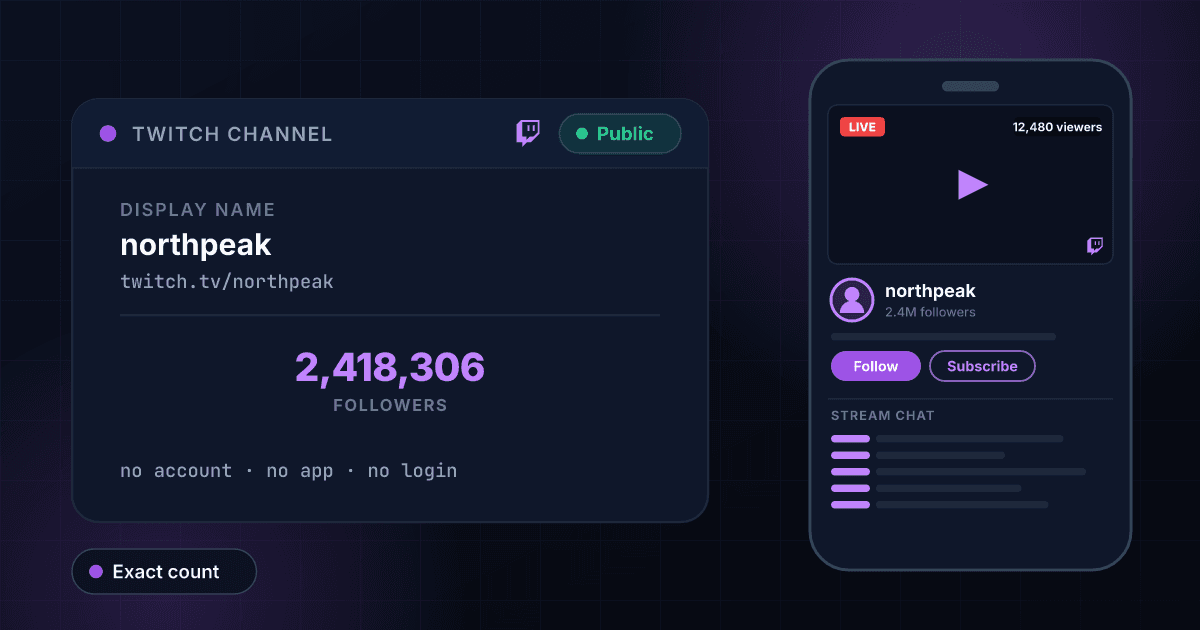
How to check a Twitch channel's follower count
Twitch shows a channel's follower count on the channel page, in the About section under the stream, but getting to it means loading the stream, the chat and the ad that plays first, and on a phone the app wants you signed in. Most people who search for a Twitch follower count want the number by itself: for a streamer they are thinking of sponsoring, a channel they are comparing with their own, or a name they were sent and do not recognise. Type the channel name into the box above and you get the display name, the channel description and the follower count, with nothing to sign in to.
Followers are the public number on Twitch; subscribers are not. Anyone can follow a channel for free, and Twitch publishes the count. A subscriber pays monthly, and Twitch shows the subscriber count only to the streamer and to viewers of channels that choose to display it, so no outside tool can tell you how many subscribers a channel has. Follower count is still the number sponsors and tournament organisers use to size a channel, and it is exact: when we looked up twitch on 17 September 2026, Twitch's own channel returned 2,458,783 followers.
Followers also decide what a channel is allowed to do. Twitch's Affiliate program, the first step to earning on the platform, requires 50 followers along with a minimum of streaming time and viewers, and the Partner program, which brings the purple checkmark beside the channel name, requires an average of 75 concurrent viewers rather than a follower count. So a follower count on its own tells you reach, not standing: a channel with 100,000 followers may stream to 40 people, and one with 8,000 followers may be a Partner.
What this tool will not do: it does not show live streams, VODs, clips or chat, it does not report subscriber counts, Partner status or the checkmark, and it does not list who follows a channel. It reads the two things Twitch publishes for every channel, the display name and the follower count, and stops there.
Have an email address instead of a channel name?
To see who the address belongs to, use our free reverse email lookup.
How to check a Twitch channel in three steps
Copy the channel name
On Twitch the channel name is the part after twitch.tv/ in the address, as in twitch.tv/ninja, and it is the same as the streamer's username. Type it in any capitalisation, or paste the channel link and we pull the name out of it. The display name can differ in capitalisation but not in spelling.
We read the public channel page
The lookup fetches the channel's public page, the one anybody can open without logging in, and reads the display name and the follower count off it. Nothing is estimated, and no Twitch account of yours is involved at any point.
Read the result
The follower count shows the channel's reach. Compare it with the viewers you see when the channel is live to judge how much of that reach is active. Create a free account when you also want a whole list of channels checked at once.
What this viewer shows, next to the Twitch channel page
What you can read here without a Twitch account, set against what the channel page itself shows. The left column is what our lookup returned for public channels on 17 September 2026.
| What you want to see | This viewer | Twitch channel page |
|---|---|---|
| Follower count | Yes, exact | Yes, in the About section |
| Display name | Yes | Yes |
| Subscriber count | No, Twitch keeps it private | Only if the streamer displays it |
| Partner checkmark | No | Yes |
| Channel description | Yes | Yes, in the About section |
| Live stream, VODs and clips | No | Yes |
| Who follows the channel | No | No, follower lists are private |
| Needs a Twitch account | No | No, but the app prefers one |
Twitch's follower and viewer thresholds
The requirements Twitch publishes for its two creator programs. Each also requires the channel to follow Twitch's rules, and Partner applications are reviewed by hand.
| Program | What it unlocks | Requirements Twitch lists |
|---|---|---|
| Affiliate | Subscriptions, Bits and ads revenue | 50 followers, 500 minutes streamed on 7 different days in the last 30 days, and an average of 3 concurrent viewers |
| Partner | Higher revenue share, more emotes and the purple checkmark | 25 hours streamed on 12 different days in the last 30 days, with an average of 75 concurrent viewers; no follower minimum |
Twitch username rules
Why a lookup can miss: the rules Twitch's Help Center sets for usernames, which are what this tool searches on.
| Rule | What Twitch allows |
|---|---|
| Length | 4 to 25 characters |
| Characters | Letters, numbers and underscores |
| First character | Cannot be an underscore |
| Case | Not significant: Ninja and ninja are the same channel |
| Changes | Once every 60 days, so an old name can stop working |
No Twitch account, no stream to load
There is nothing to install and nothing to sign in to. The lookup never opens the stream or the chat, so you get the number without the ad, the autoplay or the app asking you to log in.
Exact follower counts
Twitch publishes exact follower counts, and so does this viewer: 2,458,783, not 2.4M. Exact numbers are the only way to compare two channels of similar size or to see one move since last week.
Honest about subscribers
Twitch keeps subscriber counts private, so this tool does not show one and no outside tool can. What comes back is the follower count, the public measure of reach, clearly labelled as such.
Reach, to read against viewers
A follower count is what a channel could reach; the live viewer count is what it does reach. The result gives you the first, so you can set it against the second when the channel is live and judge how active the audience really is.
Who uses this tool
Sizing a streamer before a sponsorship
A media kit is a screenshot, and screenshots age. Check the live follower count before you agree a fee, then watch a stream to see how many of those followers turn up.
Comparing your channel with others in your category
Twitch shows you your own follower count in the dashboard but makes comparing with other channels tedious. Look up the channels you compete with for viewers and note the numbers side by side.
Checking a name you were sent
Someone mentions a streamer and you do not recognise the name. One lookup tells you whether it is a channel with 800,000 followers or one with 12, before you go looking for the stream.
Screening Twitch channels in applications
Tournament sign-ups, sponsorship programs and talent agencies ask applicants for a Twitch channel. One lookup shows whether it exists and how big it is, before anyone approves the application.
Frequently asked questions
Can I see the channel description and picture?
The channel description comes back with the follower count, as the About section shows it. The channel picture is shown when the lookup returns one, which it does not for every channel; when it does, it is loaded from Twitch's own servers and opens full size in a new tab.
How do I check a Twitch channel's follower count?
Enter the channel name, the part after twitch.tv/ in its address, into the box on this page. The follower count comes back with the channel's display name. You do not need a Twitch account, the app or a 1Lookup account.
Can I see how many subscribers a Twitch channel has?
Not here, and not anywhere outside Twitch. Twitch shows the subscriber count only to the streamer, and to viewers of channels that choose to display it on the channel page. This tool returns followers, which Twitch publishes for every channel.
Is the follower count exact?
Yes. Twitch publishes exact follower counts, and the lookup returns the figure as published: 2,458,783 rather than 2.4M. Twitch's own page shows the same number in its About section.
Does it show whether a channel is a Twitch Partner?
Not yet. Twitch marks Partners with a purple checkmark beside the channel name, and the lookup behind this tool does not return that mark, so the row is left off rather than guessed. Open the channel on Twitch to see it.
Will the streamer know I looked?
No. The lookup reads the channel's public page and never signs in to Twitch, so there is no view, follow or notification of any kind. Twitch tells streamers who followed, not who looked.
Can I watch the stream or clips here?
No. This tool reads the channel's numbers, not its content. Streams, VODs and clips play on Twitch itself.
Why did my lookup return nothing?
Usually the channel name is wrong. Twitch lets streamers change their username once every 60 days, and a channel keeps its old name in older links and videos. Copy the part after twitch.tv/ from the channel's current address. If the channel was banned or deleted, there is no public page left to read.
How fresh are the numbers?
A channel nobody has checked here in the past seven days is read live. If it was looked up in the last seven days, you get that earlier read instead, so a number can be up to a week old. A channel that just went viral can move a lot in a week.
How many Twitch channels can I check for free?
Five a day from one IP address on this tool, with a short pause between lookups, and 15 a day across all the free tools on the site. The free tools also share a daily budget, so on a busy day a lookup can be refused until midnight UTC. A 7-day free trial adds the paid check and CSV upload for whole lists. Each paid check costs 10 credits and is charged only when the profile exists, so the Starter plan's trial covers about 100 profiles.
Is this tool made by Twitch?
No. 1Lookup is not affiliated with, endorsed by or sponsored by Twitch or Amazon. The tool reads information that Twitch already publishes on each channel's public page.