Free FDIC Bank Lookup
Check whether a US bank is FDIC-insured, who regulates it and how big it is.
Free & rate-limited. No signup required to try.
Sample Community Bank is an active FDIC-insured institution in Anytown, NC.
A free trial adds the street address, website, total deposits, net income and the holding company.
- Status
- Active
- FDIC certificate
- 99001
- Location
- Anytown, NC
- Main regulator
- Federal Deposit Insurance Corporation
- Charter
- State commercial bank (not a Federal Reserve member)
- Offices
- 7
- Total assets
- $412M at Jun 30, 2026
- Insured since
- Mar 1, 1952
- Other matches
- 1 other bank
The short answer
An FDIC bank lookup checks a bank's name or certificate number against the FDIC's directory of insured banks and savings institutions. This free tool shows whether the bank is active, where it is, its main regulator, charter type, offices, total assets and the date it became insured. A free trial adds the address, website, deposits and holding company.
- No signup needed
- Read from the FDIC directory
- Open and closed banks included
A bank lookup tells you in seconds whether the FDIC lists a US bank as insured and how big it is.
Type a bank's name or its FDIC certificate number. The tool looks it up in the FDIC's directory of insured banks and savings institutions and shows whether it is active, where it is, who its main regulator is, what kind of charter it holds and how many offices it reports.
It also shows the total assets from the bank's latest quarterly report, with the date of that report, and the day the bank became FDIC-insured. A bank that has closed or merged away is still listed, and its status says so. To keep the tool free for everyone, a bank looked up in the last 12 hours is shown again.
A name has to contain every word you type, so a short and specific name finds the bank faster than a long one. When several banks match, the best match is shown in full and the others are counted. Credit unions are not in the FDIC directory, so a credit union comes back as not found.
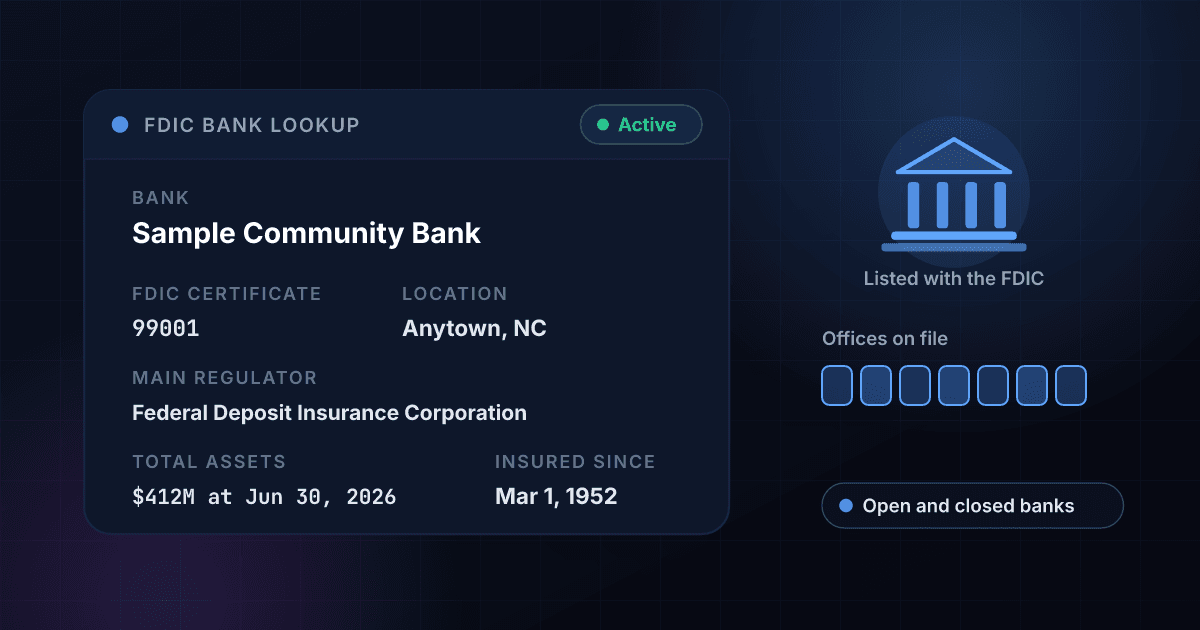
A bank lookup returns these facts, and each one answers a different question.
This is an invented result for a made-up bank, laid out the way a real one comes back. The headline record is free on this page, and a free trial opens the rest.
- Status
Active
Active when the FDIC directory shows the bank as open and insured, or No longer active with the date it ended.
- FDIC certificate
99001
The number the FDIC gave the institution, which is the exact way to look it up again.
- Location
Anytown, NC
The city and state of the bank's main office.
- Main regulator
Federal Deposit Insurance Corporation
The agency the FDIC records as the bank's primary regulator.
- Charter
State commercial bank (not a Federal Reserve member)
The kind of charter the bank holds, in the FDIC's own words.
- Offices
7
The number of offices, main office and branches, the bank last reported.
- Total assets
$412M at Jun 30, 2026
Total assets in whole dollars from the bank's latest quarterly report, with the date of that report.
- Insured since
Mar 1, 1952
The day the bank became insured by the FDIC.
- Other matches
1 other bank
How many other banks a name search matched, so you know when to add more words.
Opens with a free trial
- Street address, county and website
Full address
Where the bank's main office is and the web address the FDIC lists for it.
- Total deposits and net income
From the same report
The deposits the bank holds and its net income, so you can see how the bank is funded.
- Holding company
The parent's name
The bank holding company that owns the bank, when it has one.
- The other banks that matched
With certificate numbers
Each other bank a name matched, with its certificate number, city and state, so you can pick the right one.
Checking a bank takes three steps and no signup.
Enter the bank
Type the bank's name, or its FDIC certificate number if you have it. An entry that is only digits is read as a certificate number.
We read the FDIC record
The entry is looked up in the FDIC's directory of insured banks and savings institutions, open and closed.
Read the answer
You see whether the bank is active, where it is, who regulates it, what kind of charter it has and how large it is.
One lookup reads the FDIC directory for a bank and shows the headline facts.
This is the path a single lookup takes. Nobody is contacted and nothing is filed.
- You enter a bankA name, or an FDIC certificate number.
- The entry is checkedA name that is too short or a number with too many digits is refused before anything is used.An entry that cannot be a bank stops here and costs no credits.
- The FDIC record is readThe status, location, regulator, charter, offices and assets for that bank.
- You see the answerFound or not found, with the facts when it is found.
Bulk bank checks run the same lookup on a whole list with one CSV file.
The free tool checks one bank at a time. With a 1Lookup account you upload a CSV file in the dashboard, pick the column that holds the bank names or certificate numbers and download the same file back with the result columns filled in on every row. These rows are invented.
| bank | Found | Bank Name | FDIC Certificate | Bank Status | State | Total Assets (USD) | Credits Used |
|---|---|---|---|---|---|---|---|
| sample community bank | Yes | Sample Community Bank | 99001 | Active | NC | 412000000 | 2 |
| 99004 | Yes | Riverside Sample Savings Bank | 99004 | No longer active (since 2023-03-10) | OH | 61000000 | 2 |
| sample bank of nowhere | No | 0 |
- 2 credits for each bank that is found, a closed bank included, and nothing for a bank that is not found.
- Up to 2 million rows in one CSV file.
- Up to 200 API requests per 10 seconds for each API key, and each account can make up to 1,000 requests a minute in total across all its keys.
The Bank Lookup API returns the same record as JSON from one request.
Send the bank name, with a two-letter state if you like, or the FDIC certificate number to the endpoint with your API key. A bank that is found costs 2 credits, and one that is not found or is mistyped costs 0. Whether it was found is in classification.found, and the other banks a name matched are in insights.bank_lookup_result.other_matches.
curl -X POST https://app.1lookup.io/api/v1/bank-lookup \
  -H "Authorization: Bearer YOUR_API_KEY" \
  -H "Content-Type: application/json" \
  -d '{"name": "Sample Community Bank", "state": "NC"}'
import requests
response = requests.post(
"https://app.1lookup.io/api/v1/bank-lookup",
headers={"Authorization": "Bearer YOUR_API_KEY"},
json={"name": "Sample Community Bank", "state": "NC"},
)
data = response.json()["data"]
print(data["classification"]["found"])const response = await fetch('https://app.1lookup.io/api/v1/bank-lookup', {
method: 'POST',
headers: {
'Authorization': 'Bearer YOUR_API_KEY',
'Content-Type': 'application/json'
},
body: JSON.stringify({ name: 'Sample Community Bank', state: 'NC' })
})
const { data } = await response.json()
console.log(data.classification.found)Response
{
  "success": true,
  "data": {
    "classification": {
      "found": true,
      "fdic_cert": 99001,
      "name": "Sample Community Bank",
      "status": "Active",
      "city": "Anytown",
      "state": "NC",
      "charter_class": "State commercial bank (not a Federal Reserve member)",
      "regulator": "Federal Deposit Insurance Corporation",
      "branch_count": 7,
      "total_assets_usd": 412000000,
      "total_deposits_usd": 361000000,
      "holding_company": "SAMPLE BANCORP INC",
      "report_date": "2026-06-30"
    },
    "metadata": { "credits_used": 2, "cache_hit": false }
  }
}
To check every bank on a list from your own software, see our Bank Lookup API.
One bank lookup shows the status, regulator, charter and size of a bank.
A bank that has closed is still answered, with its status.
A closed or merged bank comes back as no longer active with the date it ended, so you can see what a name once belonged to.
The charter type comes back in plain words.
You see State commercial bank (not a Federal Reserve member), not a one or two letter code you would have to look up in an FDIC table.
The total assets show how big the bank is.
The figure is in whole dollars and carries the date of the quarterly report it came from, so you know how old it is.
A name that matches several banks says so.
The best match is shown in full and the page says how many other banks matched, so a common name is not mistaken for one bank.
Customers, lenders, payment teams and researchers all check banks with this tool.
Customers checking a bank before they deposit
Look up the bank behind an offer or an app and see whether the FDIC lists it as an insured institution.
Fintech and lending teams checking a partner bank
Confirm the bank named on an application is a listed, active institution and see who its main regulator is.
Accounts payable checking a payee
See whether a payee that says it is a bank is on the FDIC list, and where its main office is.
Researchers and reporters sizing a bank
Read a bank's charter, number of offices and latest total assets without opening a spreadsheet.
These are the questions people ask about the free FDIC bank lookup.
Is the FDIC bank lookup really free?
Yes. You can look up banks without an account and without paying anything. A free 1Lookup trial removes the daily limit and adds the street address, website, total deposits, net income, holding company and the other banks a name matched.
Where does the information come from?
From the FDIC's own public directory of banks and savings institutions, which lists every FDIC-insured institution, open or closed. The money figures come from each bank's latest quarterly report, and the result shows the date of that report.
What does it mean when a bank is active?
That the FDIC directory shows the institution as open and insured. A bank that has closed or merged away is still listed, and its status says it is no longer active and since when.
Why does a bank come back not found?
The directory holds FDIC-insured banks and savings institutions. A credit union, a name that is spelled differently from the one the FDIC lists, a bank that trades under another name and a wrong certificate number all come back not found.
Why was my entry refused before the lookup?
A name that is too short or too long, and a certificate number with too many digits, cannot be a bank in the directory. The entry is refused with a clear message and does not use up a lookup.
How current are the total assets?
They come from the bank's latest quarterly report, and the result shows the report date next to the figure, so you always know how old it is.
Does a listing mean the bank is a good one?
No. It means the FDIC directory lists the institution as insured. Total assets and offices show how large the bank is, not how it is run.
Can I look up a bank by its routing number?
No, the tool takes a bank's name or its FDIC certificate number. The FDIC institution record has no routing-number field, and routing numbers are listed in a payment-system directory instead.
Can I check a list of banks at once?
Yes, in a free trial. Upload a CSV with a bank column or call the Bank Lookup API. Each bank that is found costs 2 credits, and a bank that is not found costs nothing.
Where to go after you check a bank.
- Bank Lookup APICheck a whole list of banks by name or FDIC certificate number, with the address, website, deposits and holding company.
- 1Lookup vs FDIC BankFindThe free official API with eight datasets, against one finished bank record in plain words.
- 1Lookup vs APIVerveA routing number lookup on shared credit plans, against a bank record found by name or FDIC number.
- 1Lookup vs Zyla API HubA routing check sold by monthly request quota, against a bank record billed only when found.
People who check a bank by name or FDIC number also look for these.
- fdic bank lookup
- is my bank fdic insured
- check if a bank is fdic insured
- fdic certificate number lookup
- fdic bankfind
- bank search by name
- who regulates my bank
- bank total assets lookup
- find a bank's fdic number
- bank lookup api
These free tools check other records the same way.
Carrier Lookup
Identify the carrier and network for any phone number.
Reverse Email Lookup
Find out who's behind an email address.
DOT Number Lookup
Check any trucking company by USDOT number: status, fleet size and safety rating.
MC Number Lookup
Check any carrier or broker by MC number: authority status, USDOT number, fleet size and safety rating.